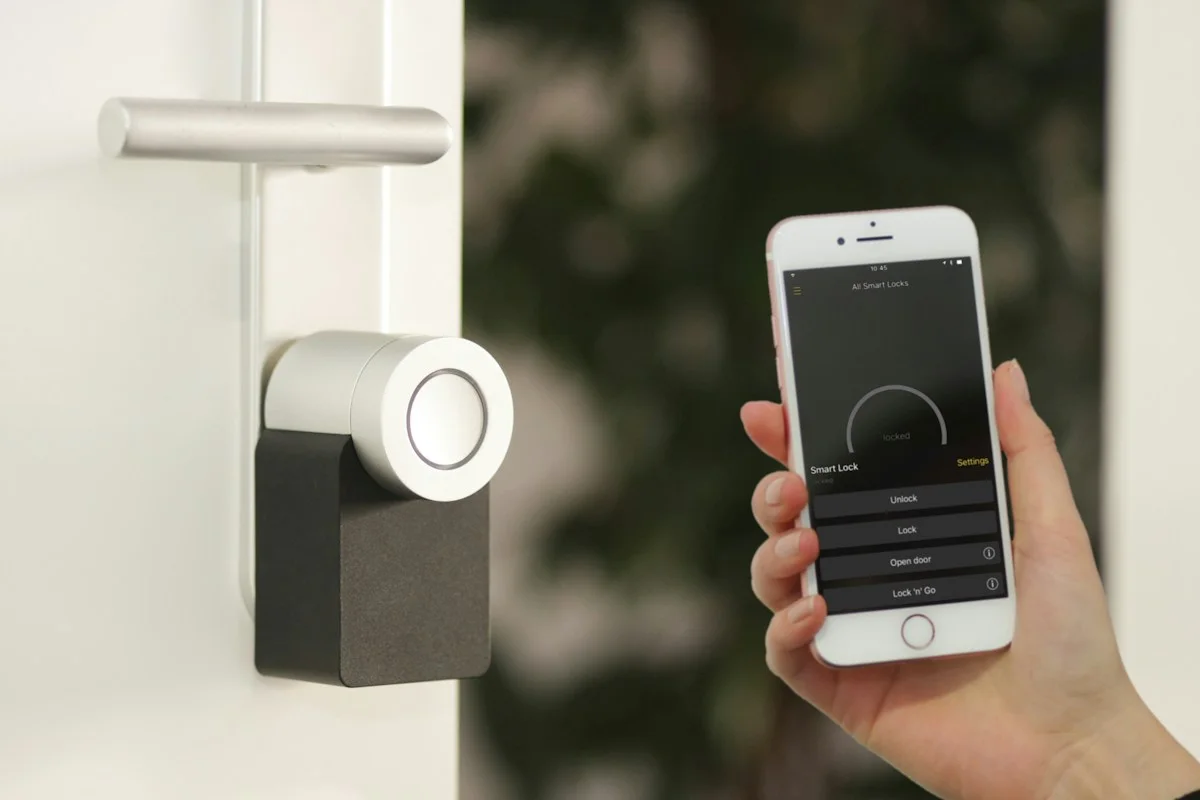

Choose a smart plug for a suitable appliance, a useful schedule, and an ecosystem you already understand.
Choose the routine before the gadget
A lamp beside the sofa switches on each evening, and somebody forgets to turn it off before bed. That is a specific routine a smart plug might improve. It is a better starting point than buying a multipack and looking for things to connect afterward. Write the desired behavior in plain language: switch this suitable lamp off at a particular time, or make its ordinary on-and-off control easier to reach. If a simple mechanical timer solves the same need, include it in the comparison before choosing an account-connected product.
Confirm the appliance is suitable
Read the smart plug's electrical rating and the appliance manufacturer's instructions. Pay attention to load type as well as a headline maximum number. Heating equipment, motors, and other demanding devices can have restrictions that differ from a small lamp. Do not assume a plug is suitable just because the appliance physically fits. Consider what happens when power returns: some devices resume operation, while others require their own button to be pressed. If the appliance does not behave appropriately after an interruption, remote switching may not provide the convenience you expected and can create an unsuitable unattended situation.
Check the network and home platform
Look at the exact model's wireless requirements and the platform you want to control it from. Similar-looking versions may use different standards, require a hub, or offer different features. A compatibility badge should lead you to the manufacturer's explanation of the required controller and setup. If your aim is a shared household routine, make sure other residents can operate the plug without borrowing your phone. Local controls and a physical button are worth checking. A convenient schedule should not make a basic lamp harder to use when a visitor is staying overnight.
Measure the socket arrangement
A wide plug can block an adjacent outlet or collide with a neighboring power adapter. Look at the dimensions, button position, and the orientation it will have on your actual wall. If the outlet sits behind furniture, make sure the device and connected cable fit without pressure or a sharp bend. Choose an outdoor-rated model only when it is specifically appropriate for the intended location and installation instructions. An indoor plug should not be promoted into garden duty by placing it under a chair or inside a makeshift cover that was never designed for electrical protection.
Decide whether monitoring is useful
Some smart plugs provide energy monitoring; others only switch power. If monitoring motivates the purchase, verify its availability on the precise model and how the app presents it. Decide what action you would take after seeing the figures. A reading might help compare standby habits, but it does not automatically translate into savings large enough to justify buying several devices. Also check whether history, exports, or advanced scheduling depend on a service or account. Start with one meaningful measurement rather than creating an elaborate dashboard that nobody in the household intends to use.
Try one dependable schedule
After installation, test the physical button, app control, and the planned schedule while you are present. Find out what happens after a power outage and after losing the internet connection. Use the manufacturer's documented behavior and confirm it in your own setup. Keep schedules easy to understand, particularly for shared rooms. TP-Link's official collection provides several models to compare, so narrow by the required socket, platform, and feature set rather than assuming the newest or most expensive option is necessary. Buy additional plugs only after the first one improves the repeated routine.
Questions to settle before buying
Will it make every appliance smart? It controls power for suitable equipment; it does not add functions that the appliance itself lacks. Confirm the appliance's restart behavior before relying on it.
Do I need energy monitoring? Only when the information supports a decision you plan to make. Switching-only models can suit simple schedules.
Should I connect important equipment? Think carefully about the consequences of an accidental shutoff, a changed schedule, or lost control. Avoid experimenting on equipment whose interruption would cause a significant problem, and follow both manufacturers' instructions instead of treating remote convenience as the only requirement.
Explore the options
Compare the exact model, included accessories, return policy, and current price before buying. These links open official brand websites.
TP-Link smart plug collection
Compare socket shape, scheduling, platform support, and model-specific energy monitoring.
Tradeoff: Not every appliance is suitable for remote power switching.
Explore TP-Link smart plug collection ↗Sources & further reading
Primary references consulted October 30, 2026. Product ranges and availability can change.
Cover photography illustrates an everyday setting and may show equipment other than the examples discussed. Read our methodology.