Choose connected home devices around useful controls, clear privacy settings, and a realistic support plan.
Begin with a small, useful job
Imagine arriving home with shopping bags and asking a lamp to switch on. That is a clear task with a modest amount of information involved. Compare it with adding an indoor camera that can capture conversations, visitors, and private routines. Both products may appear under the same smart-home category, but they deserve different buying decisions. Start by naming the convenience you want, the people affected by it, and the information the device would need to deliver it. A simpler timer or ordinary switch may already solve the problem.
Draw the information route
Before choosing a device, establish whether commands stay inside the home, pass through a manufacturer account, or depend on another platform. Read the exact model documentation rather than relying on a badge on the box. Ask what happens when the internet connection fails and which functions remain available. A lamp that loses remote scheduling can be an inconvenience; a door device without an understood fallback can be more disruptive. The useful distinction is the behavior you can verify, including how a guest or family member operates it without your phone.
Read privacy controls as part of the specification
A product page can make setup sound effortless while leaving storage, account deletion, and sharing controls to separate help pages. Look for those documents before paying. For devices with microphones or cameras, find the recording settings and any physical controls. For a household account, determine whether individual users can have separate access instead of sharing one password. Apple publishes a customer privacy policy, and other vendors should provide equivalent explanations for their own services. A policy is information to evaluate, rather than a guarantee that every setting matches your preference.
Include maintenance in the purchase
A connected gadget creates a small ongoing responsibility. Someone must keep the associated app usable, review update notices, and know which account owns the device. Ask the manufacturer about security-update support and what happens when cloud features change or end. Record the model and account recovery method somewhere appropriate. If a product requires a subscription for the function you actually want, add that recurring expense to the purchase comparison. An inexpensive item with an unclear support story may be less appealing than a simpler product that continues to meet the original need.
Share a home without sharing everything
Explain the proposed automation to other residents before installing it. A visitor should not discover an indoor camera only after sitting down, and a housemate should understand when a speaker is listening for a command. Decide who can change settings and who needs ordinary physical access. Keep sensitive devices away from spaces where recording would feel intrusive. When offering a separate network to connected devices, follow your router instructions and verify whether the chosen home platform still works across that arrangement; separation can also interfere with discovery and control.
A sensible first purchase
For a first project, compare one manufacturer-supported plug and one lamp that is suitable for its electrical rating and switching behavior. A TP-Link range page is a starting point for checking models, but inspect the individual manual, regional socket type, network requirements, and supported platform. Avoid assuming every smart plug measures energy or works locally. Try the routine for a week before purchasing a household bundle. Notice whether anyone reaches for the old switch, whether schedules remain useful, and whether a physical override is easy to find in the dark.
Before ordering, save the relevant setup and support pages with the exact model name. That makes it easier to compare promises and to find the correct instructions after packaging has been discarded.
Questions to answer before checkout
Do I need a smart hub? Only if the selected device and the features you plan to use require one; check the precise compatibility documentation and include its cost.
Can I take the system when I move? Often portable devices are simpler to move than fitted hardware, but reset procedures, landlord rules, and account ownership still need attention.
What should I do before selling a device? Follow its factory-reset instructions, remove it from the controlling account, and revoke any household sharing links. Confirm the device no longer appears among your accessible products before handing it over.
Explore the options
Compare the exact model, included accessories, return policy, and current price before buying. These links open official brand websites.
TP-Link smart plug range
Compare a limited-purpose automation before expanding to cameras or locks.
Tradeoff: Account requirements and ecosystem support vary by model.
Explore TP-Link smart plug range ↗Sources & further reading
Primary references consulted October 30, 2026. Product ranges and availability can change.
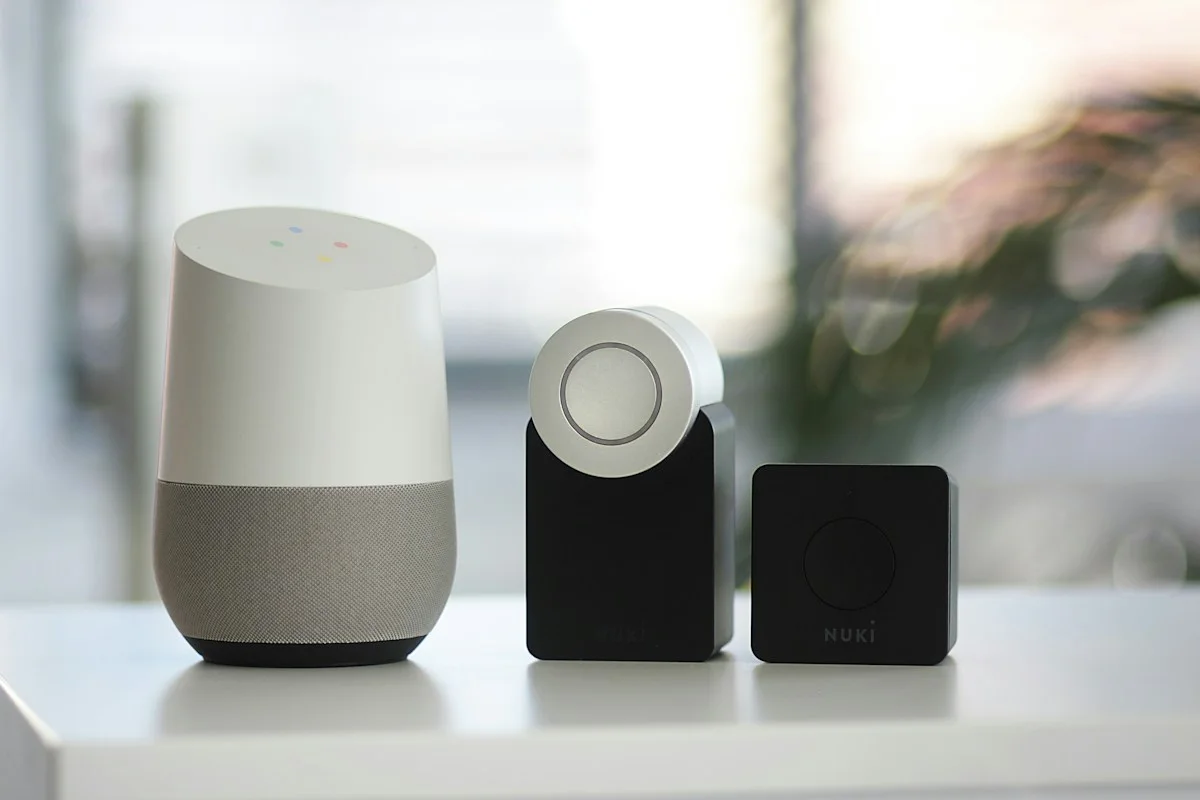
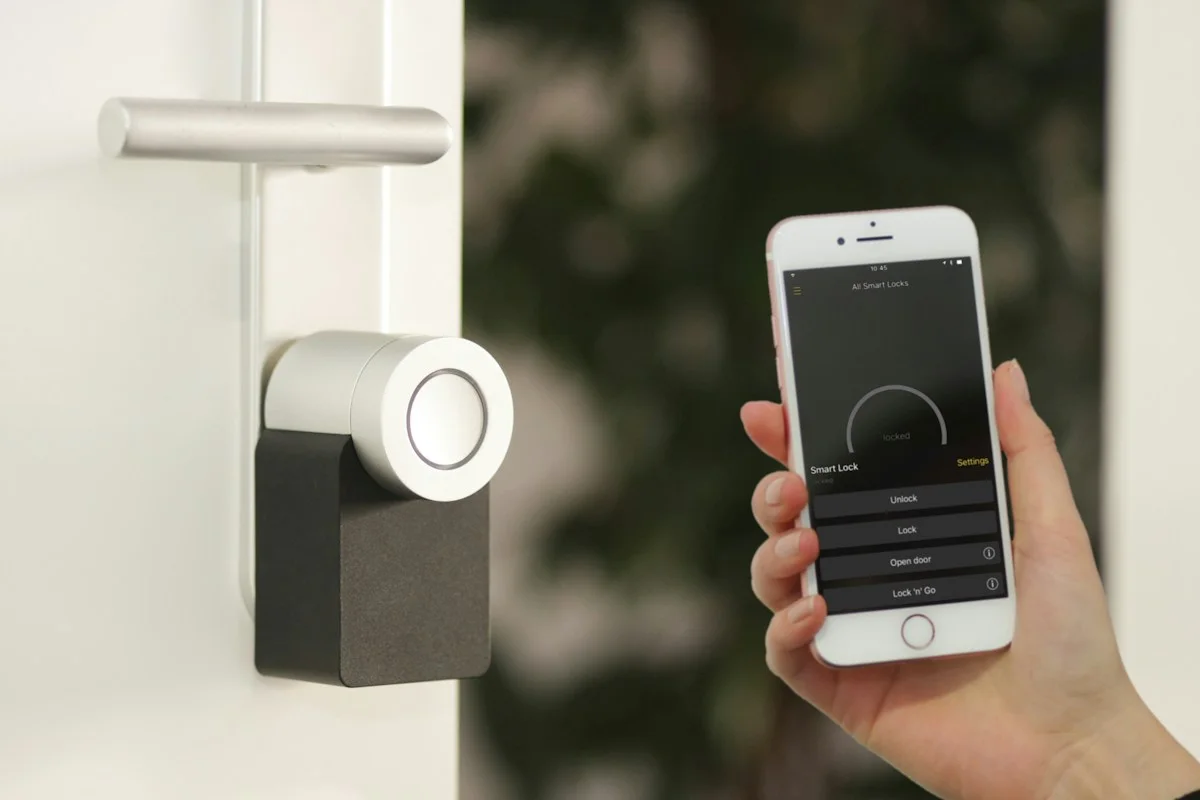
Cover photography illustrates an everyday setting and may show equipment other than the examples discussed. Read our methodology.