
Understand device switching before paying extra for headphones that promise a smoother workday.
Name the switching problem first
You are listening to a training video on a laptop when your phone rings. Later, a meeting starts while music is playing from the phone. This is the everyday problem that makes multi-device headphone features attractive. Before paying extra, write down the devices you use and which one should take priority. Someone who listens exclusively from one phone gains little from complicated switching tools. Someone moving between a company laptop and personal phone may benefit, provided the exact feature works with both devices and the workplace permits the connection.
Do not treat every switching label as identical
Manufacturers use different names for multi-device arrangements, and support can depend on the headset, software, and source devices. Bluetooth multipoint generally refers to maintaining connections with multiple sources, but that does not promise simultaneous mixing of all their audio. Automatic switching within an ecosystem is another arrangement and may have its own account or platform requirements. Read the exact product documentation rather than relying on a retailer’s abbreviated title. If the description does not explain your intended sequence of events, ask the manufacturer before ordering.
Check your managed work computer
A company laptop can have restrictions that your personal computer does not. IT may require an approved headset, block companion software, or prefer a supplied USB adapter for particular features. Confirm those requirements before spending your own money. Identify the computer’s ports and whether your desk dock changes the connection. A product being generally compatible with Bluetooth does not settle every conferencing function. If your employer already provides supported equipment, compare the practical benefit of replacing it with the troubleshooting and support responsibility you would take on.
Expect to configure the priority
A useful setup usually requires a little deliberate housekeeping. Pair the intended devices, remove old connections you no longer need, and review any app settings the manufacturer recommends. Learn how incoming calls, notifications, and paused media interact. Do not perform this first setup minutes before a client presentation. A predictable manual switch can be preferable to automatic behavior you cannot understand. Write a short note of the working configuration so that a phone replacement or software update does not turn a simple routine into repeated guesswork.
Test ordinary interruptions
During the return period, try a realistic sequence: start a laptop video, pause it, play something on the phone, and join a practice call. Then test an incoming phone call while the laptop is active. Observe which device gets audio and how quickly you can recover if it is not the intended one. Use nonconfidential material for these experiments and check the selected speaker before any real meeting. Your goal is not a laboratory score. It is confidence that the headset behaves sensibly in the interruptions you experience each day.
Keep a fallback path
Even a convenient wireless routine benefits from a simple backup. Know how to choose the laptop speakers, reconnect the headset, or use another approved device if a meeting begins unexpectedly. Check whether a cable can carry audio, because a charging connector alone does not establish that capability. Avoid buying a pile of adapters before identifying an actual limitation. If your current headset already reconnects reliably and switching happens only twice a week, a more organized connection routine may solve the problem without replacing hardware.
Pay for verified convenience
Sony’s official headphone pages and Jabra’s work-headset range are sensible research starting points for different use cases. Inspect individual model documentation for the exact multi-device function rather than applying a range-wide assumption. Compare the cost against the minutes and frustration you expect to save each week. Check return conditions because real-device behavior is an important part of this purchase. Keep the model that makes your phone-and-laptop routine understandable, even if another option lists more simultaneous connections or carries a more impressive marketing name.
Decide what success looks like
Before testing a new headset, choose the switching behavior you would accept. You might want laptop meetings to remain uninterrupted while phone messages stay on the handset. Another person may need incoming phone calls to take priority. Those are different preferences, and automatic behavior that delights one user can frustrate another. Record which sequence works and whether changing it requires an app. If the routine still demands frequent intervention, compare that burden with your original setup. Paying extra only makes sense when the practical result is more convenient for you.
Explore the options
Compare the exact model, included accessories, return policy, and current price before buying. These links open official brand websites.
Sony headphones
Compare fit, controls, and noise-control options across the current range.
Tradeoff: Features vary by model; verify the exact listing before ordering.
Explore Sony headphones ↗Jabra office headsets
Compare work-focused connection and microphone arrangements.
Tradeoff: Confirm the specific computer, conferencing platform, and included adapter.
Explore Jabra office headsets ↗Sources & further reading
Primary references consulted October 30, 2026. Product ranges and availability can change.
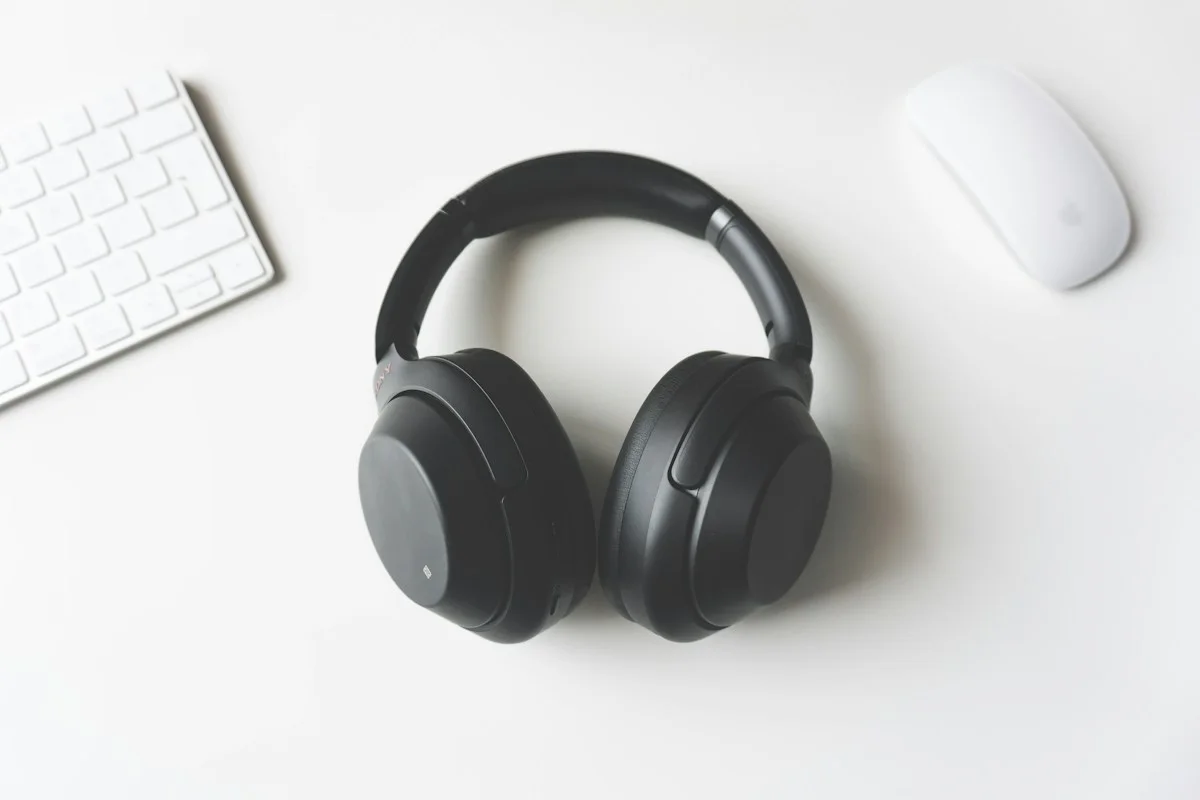
Cover photography illustrates an everyday setting and may show equipment other than the examples discussed. Read our methodology.